

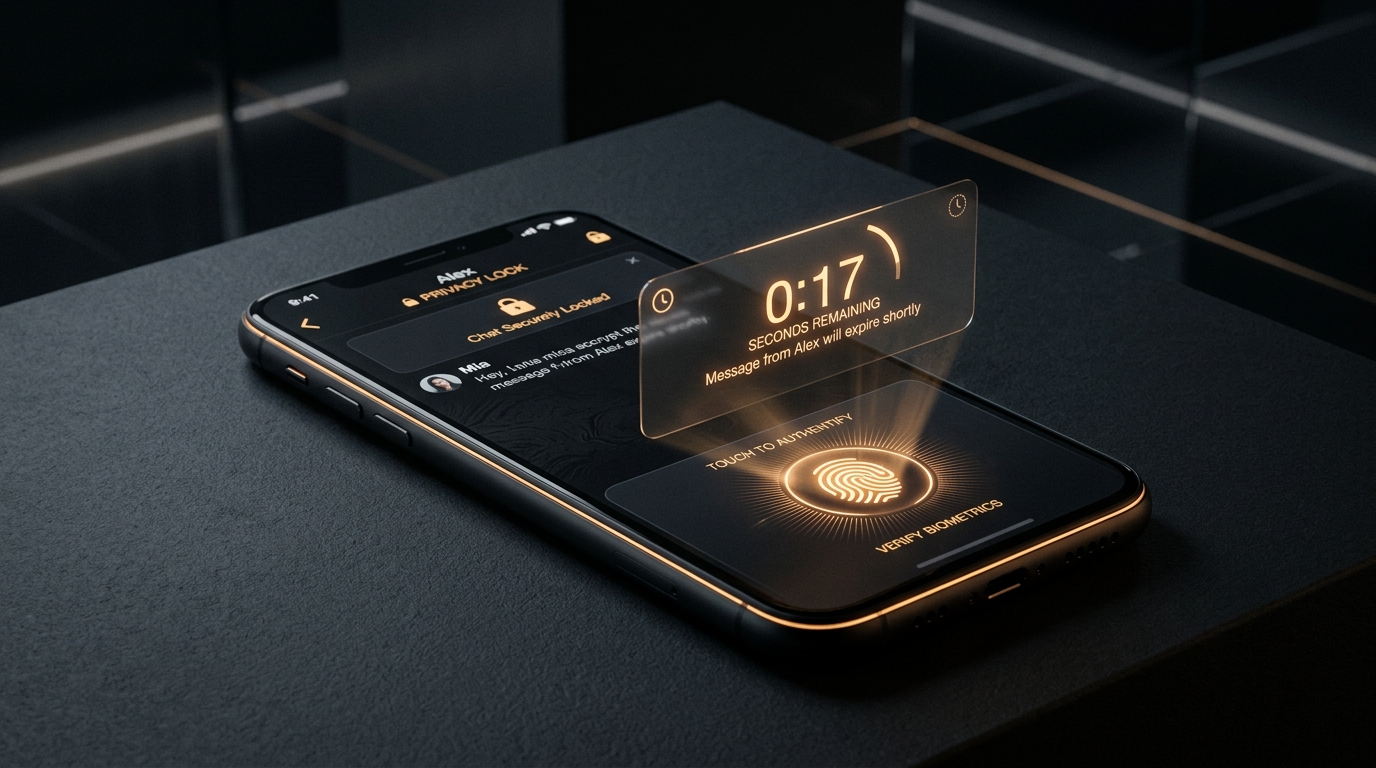
Many users search for "how to start a secret chat on WhatsApp," expecting a dedicated switch similar to Telegram Secret Chats. While WhatsApp does not have a feature literally titled "Secret Chat," it provides three powerful privacy mechanisms that accomplish the same goal. Here is how each tool works and how to set them up.
Why WhatsApp Doesn't Need a Dedicated "Secret" Mode
Every conversation on WhatsApp is already end-to-end encrypted by default under the WhatsApp Security Architecture. Unlike apps where encryption is an optional mode, WhatsApp encrypts all messages, voice notes, calls, and photos automatically. For a broader comparison, read our report on Which Apps Have Secret Chat Compared.
1. Chat Lock: Biometric Password Protection
WhatsApp Chat Lock moves specific sensitive conversations out of your main inbox into a dedicated, biometric-locked folder:
- How to enable: Open the chat > Tap contact name > Select Lock Chat.
- Biometric Security: Requires Face ID, fingerprint, or device passcode to unlock.
- Hidden Previews: Notifications from locked chats hide both sender name and message content.
- Media Segregation: Photos and videos sent inside locked chats are not saved to your phone's camera roll.
2. Disappearing Messages: Auto-Deleting Chats
Disappearing Messages automatically clears conversation history after a pre-determined countdown:
- Timer Options: 24 hours, 7 days, or 90 days.
- Default Timer: You can configure all new conversations to start with disappearing messages enabled.
- Limitation: Does not prevent the recipient from taking a screenshot or saving text before expiration. Compare this with Signal's Ephemeral Settings in our Most Private Chat Apps Ranking.
3. Account-Level Protection: Two-Step Verification
To prevent SIM-swapping and unauthorized account hijacking, always enable WhatsApp Two-Step Verification:
- Go to Settings > Account > Two-step verification > Turn on.
- Set a custom 6-digit PIN and recovery email address.
- WhatsApp requires this PIN whenever registering your phone number on a new device.
The Recommended WhatsApp Privacy Setup
- 1For Personal Privacy: Use Chat Lock for confidential threads.
- 2For Ephemeral Discussions: Set Disappearing Messages to 24 hours.
- 3For Device Security: Enable Two-Step Verification and End-to-End Encrypted Backups.
Frequently Asked Questions
Does WhatsApp have an official secret chat button? No. You achieve secret chat functionality by combining Chat Lock (biometric protection) and Disappearing Messages (auto-deletion).
Can someone see if I locked their chat? No. Chat Lock is an on-device setting that only affects how the chat is displayed on your personal phone.
Does WhatsApp alert you if someone takes a screenshot? WhatsApp only blocks or alerts screenshots on View Once media, not on regular disappearing text messages.
The Bottom Line
WhatsApp gives you enterprise-grade encryption out of the box. Pairing Chat Lock with Disappearing Messages provides complete privacy against unauthorized device access. Engineering custom digital products with secure user auth and real-time communication? Explore Leads11 Web Development Services or Book an Architecture Strategy Session.